> For the complete documentation index, see [llms.txt](https://docs.smmall.cloud/llms.txt). Markdown versions of documentation pages are available by appending `.md` to page URLs; this page is available as [Markdown](https://docs.smmall.cloud/markdown-docs.md).
# Markdown Docs
Smmall Cloud support for Markdown docs and blogging
Smmall Cloud offers extensive support for Markdown documents, including [front-matter attributes](https://github.com/Kernix13/markdown-cheatsheet/blob/master/frontmatter.md).
### Supported Front Matter Attributes
* `title`
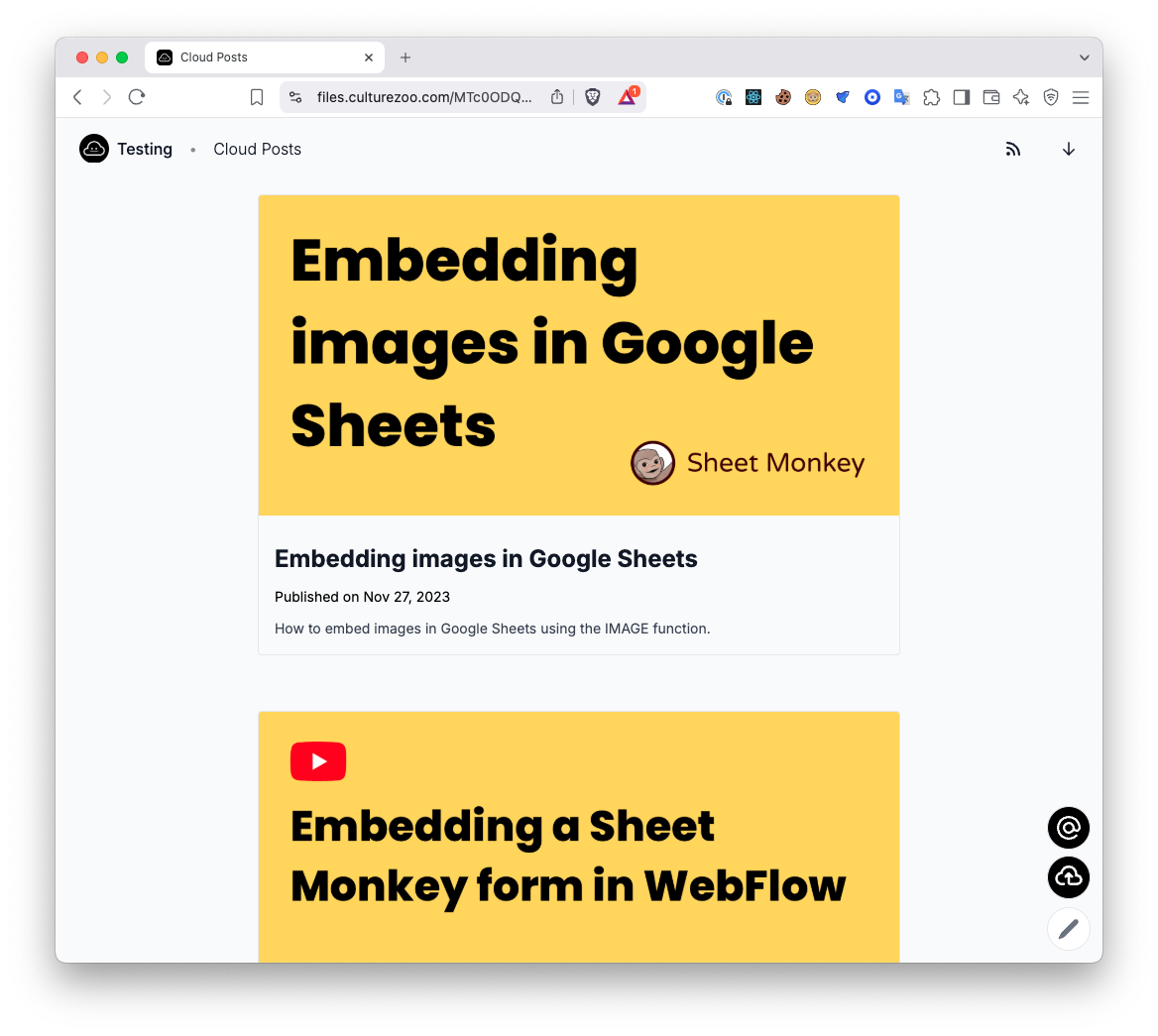
* `excerpt` - if set will appear on the folder listing page
* `coverImage` - if set will affect the folder listing page and open graph preview
* `date` - Must be a valid [ISO date](https://docs.celigo.com/hc/en-us/articles/360014902132-Format-date-and-time-in-ISO8601). If set will appear beneath the title on the detail page as "Published on ...".
* `author` Can be a string or a markdown link. If set will appear beneath the title as "by \"
* `authorImage` A link to the author image / avatar. If set will appear beneath the title.
### Supported Markdown features
Smmall Cloud supports [Github Flavored Markdown](https://github.github.com/gfm/) including syntax highlighted for embedded code blocks.
You can also [embed videos from Smmall Cloud](https://smmall.cloud/blog/video-embeds) and Youtube using iframe embeds.
### Blogging with Folders
Using [Smmall Folders](/folders.md) you can create a simple blog with your markdown files. Simply upload your existing markdown files with the correct front-matter syntax or author new markdown files using our markdown editor.
Example markdown blog in a folder
You can edit your uploaded markdown using our online editor.
### Sample Blog
You can download the contents of [this folder](https://files.culturezoo.com/MTc0ODQ3OTA0MzU3MA) and use it as a starter to see what's possible with Smmall Cloud folders and blogging.